Welcome to Melvor Idle 2
Melvor Idle 2: A RuneScape Adventure is an incremental RPG that distills the timeless charm of RuneScape's skill progression into a modern, refined idle experience. Developed by Games by Malcs and published by Jagex, the sequel expands upon the original masterpiece with 29 skills, a level 120 cap, a brand-new quest system, and dynamic environmental cycles.
Because Melvor Idle 2 features zero microtransactions and no predatory pay-to-win mechanics, every milestone you achieve is a genuine product of your own strategic planning. This beginner roadmap guides you through your critical first 24 hours, helping you avoid common pitfalls and build a rock-solid account foundation.
If you previously participated in pre-launch testing, ensure you review our Demo Save Carryover Guide to import your Steam Next Fest progress directly.
The First 24 Hours Step-by-Step
Follow this roadmap during your opening day to hit every high-priority efficiency milestone:
Step 1: Woodcutting to Level 25 (The Dual-Chop Benchmark)
- Begin by chopping Normal Trees until level 10, then transition to Oak Trees.
- At level 25, you unlock Dual-Tree Chopping, allowing your character to harvest two distinct tree types simultaneously.
- Set one slot to Oak and one to Willow; this permanently doubles your wood output per active hour.
Step 2: Tool Upgrades in the General Store
- Sell a small batch of 200 normal logs to the general store for early pocket change.
- Purchase the Iron Axe and Iron Pickaxe; each tool tier shaves tenths of a second off your base action interval, compounding your leveling speed across millions of future ticks.
Step 3: Fishing & Cooking for Sustenance
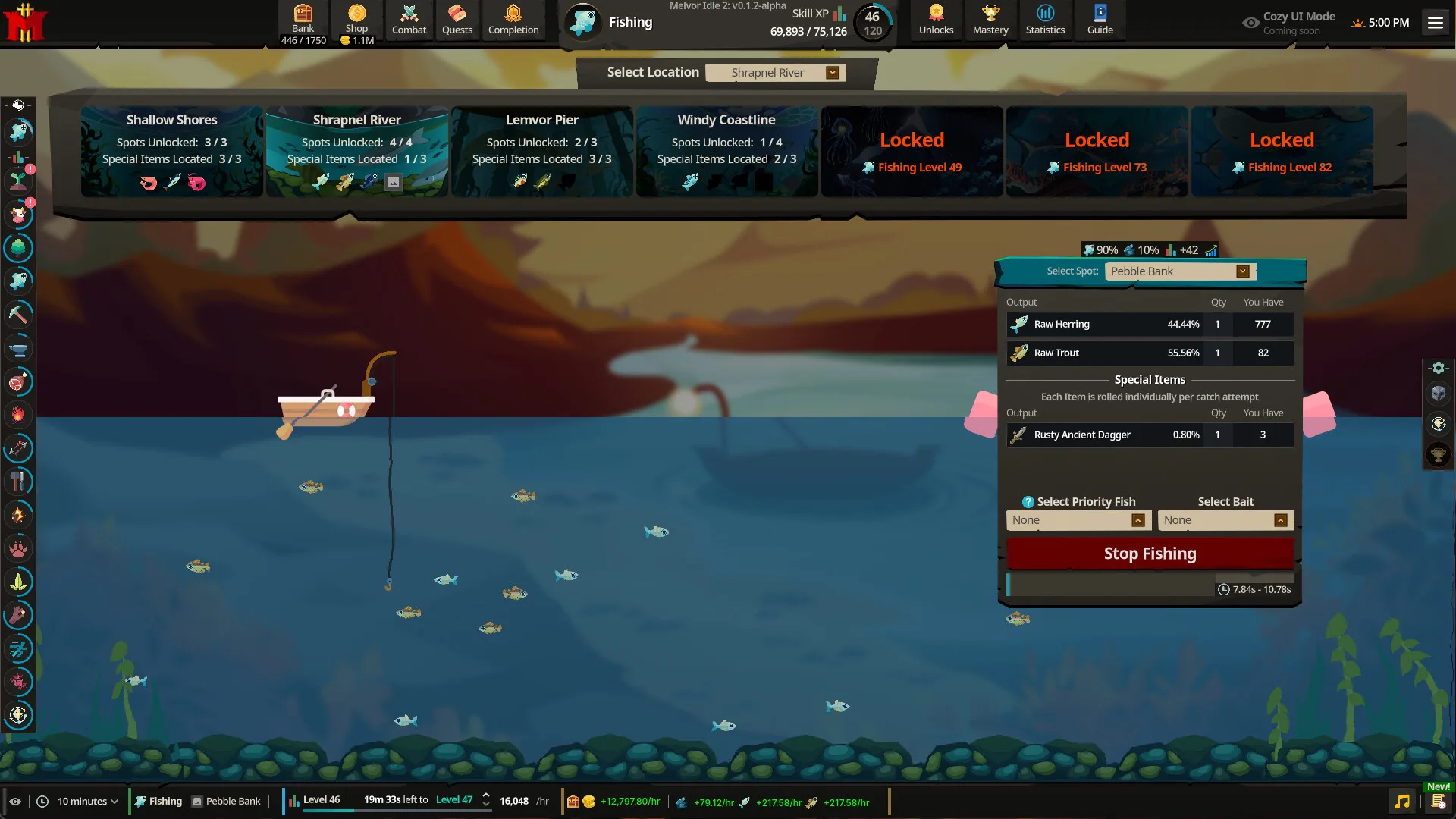
- Transition to Fishing. Catch Raw Shrimp and Sardines to level 20, then move to Trout and Salmon.
- Head to the Cooking fire. Cook your entire fish inventory. Never enter combat without at least 1,500 cooked fish in your active food slot.
Step 4: Complete Your First Quests
- Open your Quest Journal. Complete The Miller's Request and The Carpenter's Dilemma.
- These simple delivery tasks take under 15 minutes and reward +10 Free Bank Slots, saving you precious early gold.
Step 5: Establish the Offline Habit
- Before logging off or closing the client, queue up a long, stable gathering action (such as Fishing Trout or Mining Iron Ore).
- In Melvor Idle 2, offline progression calculates full skill actions, resource yields, pet drops, and mastery tokens up to the standard 18-hour offline limit.
Beginner Priorities Comparison Table
| Progression Phase | Primary Skill Focus | Key Milestone Target | Common Rookie Mistake to Avoid |
|---|---|---|---|
| Hours 0 – 4 | Woodcutting & Tools | Level 25 Woodcutting, Iron Axe | Selling all logs before leveling Firemaking |
| Hours 4 – 10 | Fishing & Cooking | Level 35 Fishing, 2,000 Cooked Trout | Entering combat with zero food equipped |
| Hours 10 – 16 | Mining & Smithing | Level 30 Mining, Bronze/Iron Bars | Mining copper and tin in unequal ratios |
| Hours 16 – 20 | Early Quests & Bank | +20 Free Quest Bank Slots | Buying expensive cosmetic bank upgrades early |
| Hours 20 – 24 | First Combat Trials | Level 20 Melee, Auto-Eat Tier I | Idling against mobs with max hits higher than HP |
Top 4 Traps to Avoid as a Beginner
- The Single-Skill 99 Rush Trap: Attempting to push your very first skill to level 99 without training supporting disciplines leads to economic stagnation. A balanced baseline (reaching level 50-60 across all gathering skills) is infinitely faster.
- The Full-Bank Freeze Trap: If your bank fills completely and your character produces a new item type while you sleep, production halts immediately. Always leave 3–5 empty bank slots open before heading to bed.
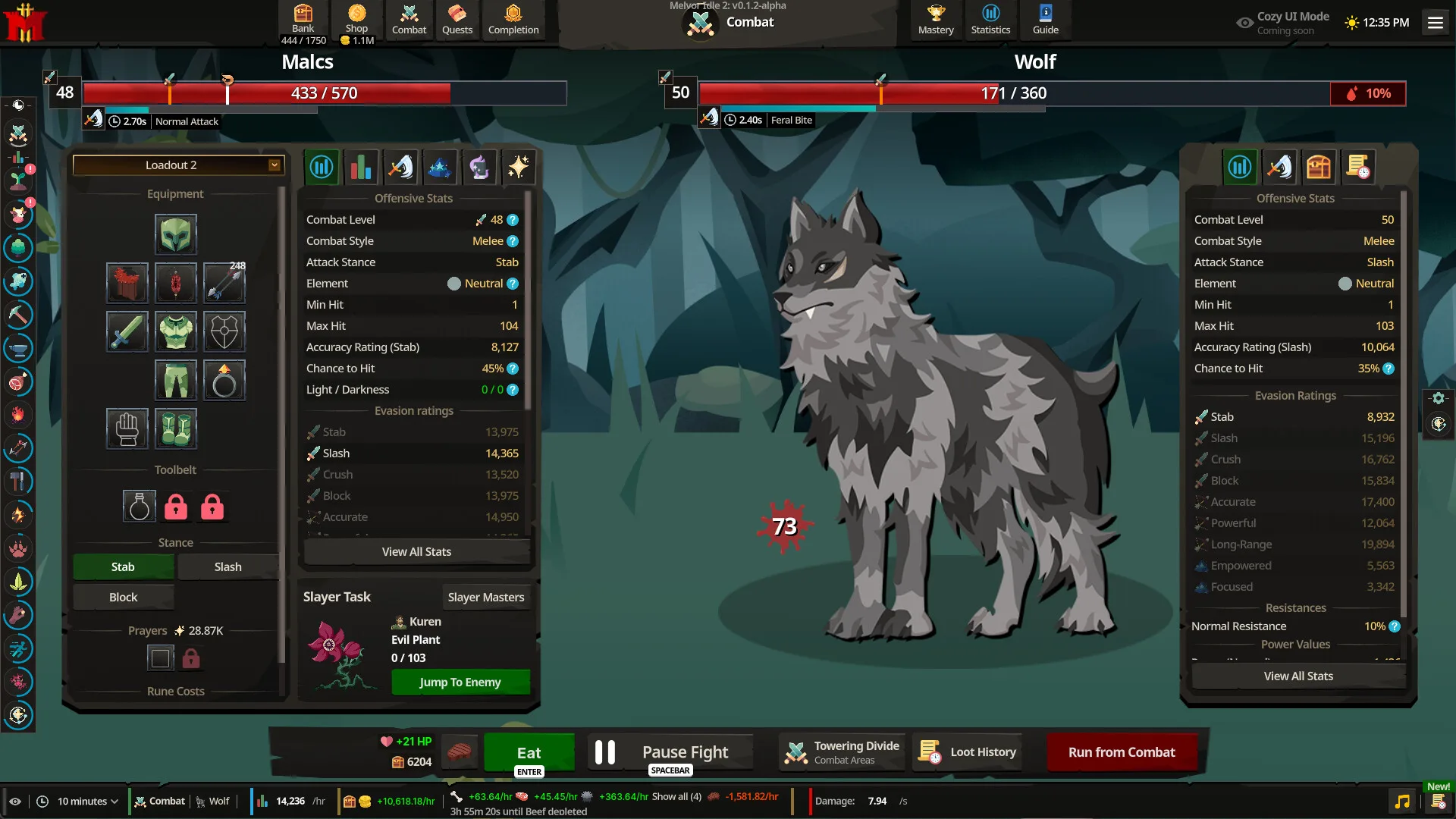
- The Unsafe Idle Combat Trap: Never idle combat against an enemy whose Maximum Hit exceeds your Auto-Eat safety threshold. A single high-damage roll can kill your character and risk losing equipped items.
- Ignoring Mod Support: Melvor Idle 2 features full built-in mod support; explore quality-of-life UI mods detailed in our Modding & Settings Guide to enhance your dashboard experience.
For details on platform availability and upcoming mobile launches, check out our Release Date & Platforms Guide.
[!TIP] Always enable Cloud Save backups! Melvor Idle 2 supports seamless cross-platform cloud saving. Back up your save to the cloud every time you complete a major quest or hit a milestone so you can pick up playing on your phone or browser anytime.